Skip to Content
Qader Solution
  • Home
  • Services
  • About US
  • Blog
  • AppStore

    Our AppStore

    Odoo AppStore

    One need, one app.

    We are a leading company in developing advanced business solutions.

  • Contact Us
  • Sign in
  • 0
  • 0
  • الْعَرَبيّة English (US)
Qader Solution
  • 0
  • 0
    • Home
    • Services
    • About US
    • Blog
    • AppStore
  • الْعَرَبيّة English (US)
  • Sign in
  • Contact Us
  • All Blogs
  • Odoo
  • Additional Tools
  • Additional Tools

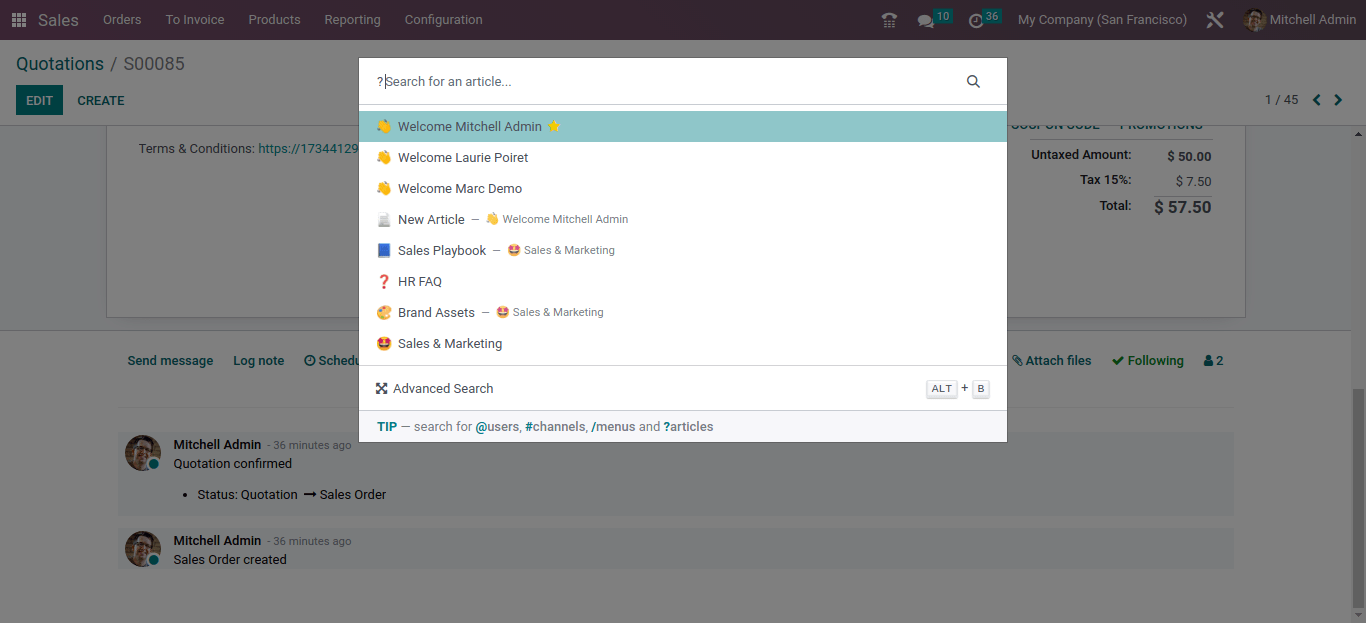
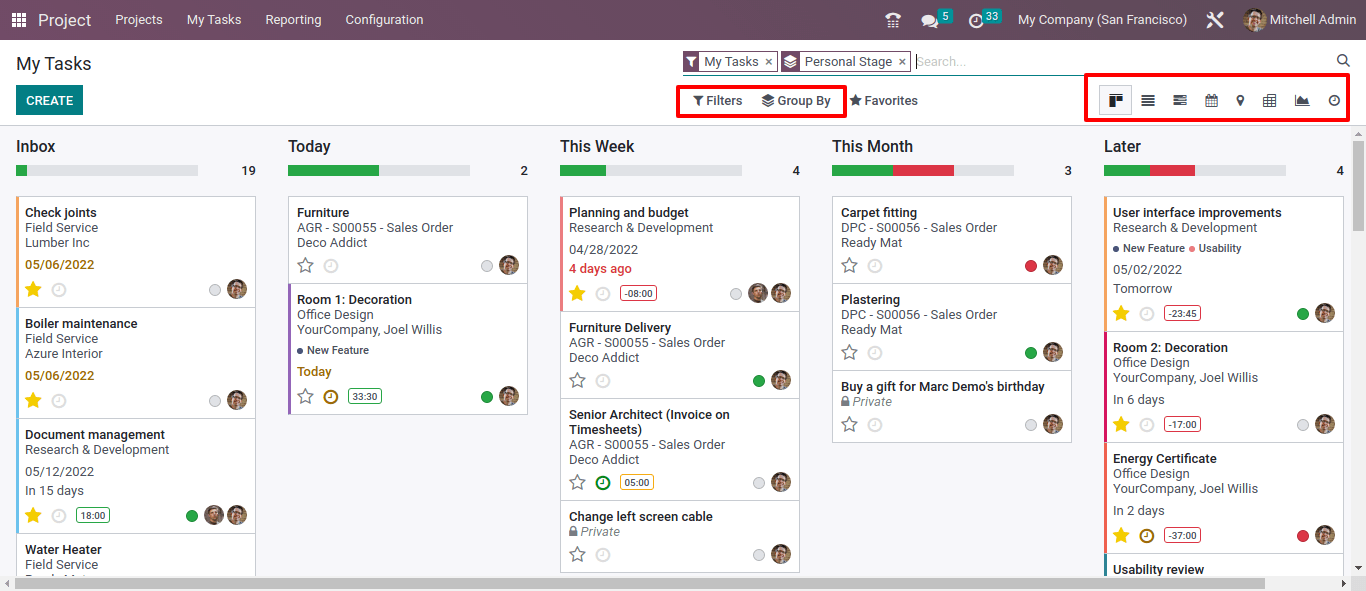
    The icons for the list view, Kanban view, and chart view have been changed.
    January 27, 2026 by
    المدير العام - عبدربه هاجر

    The icons for the list view, Kanban view, and chart view have been changed.


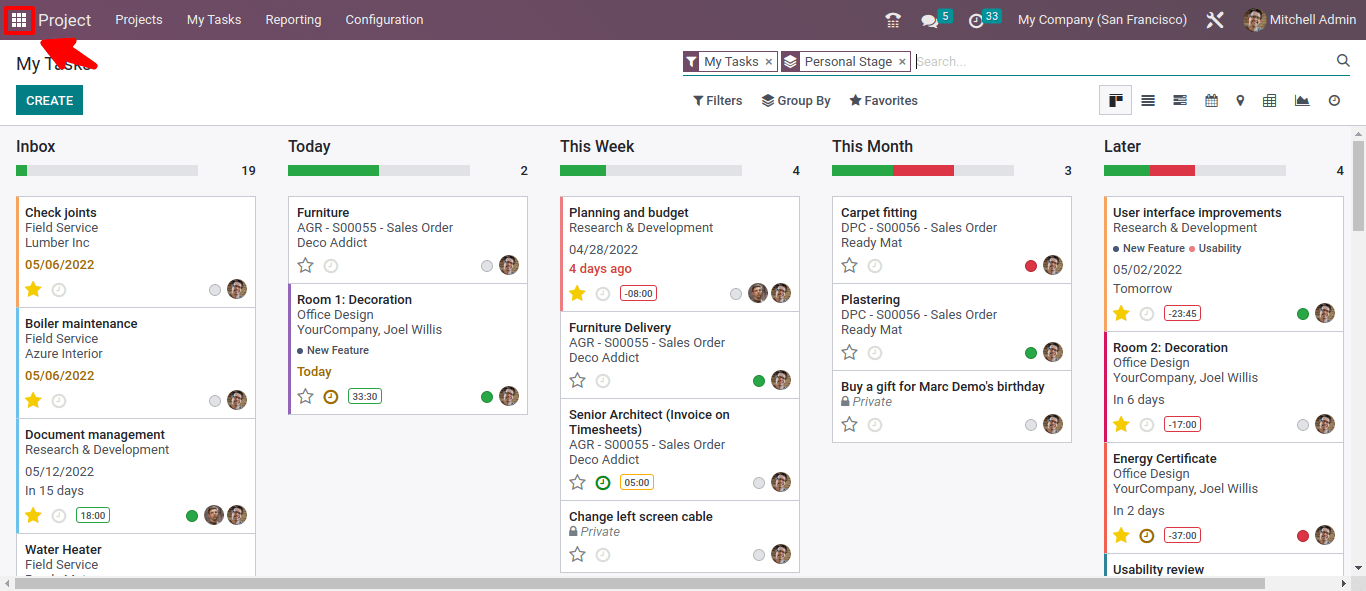
    The animation for the main application menu redirect icon has been changed.

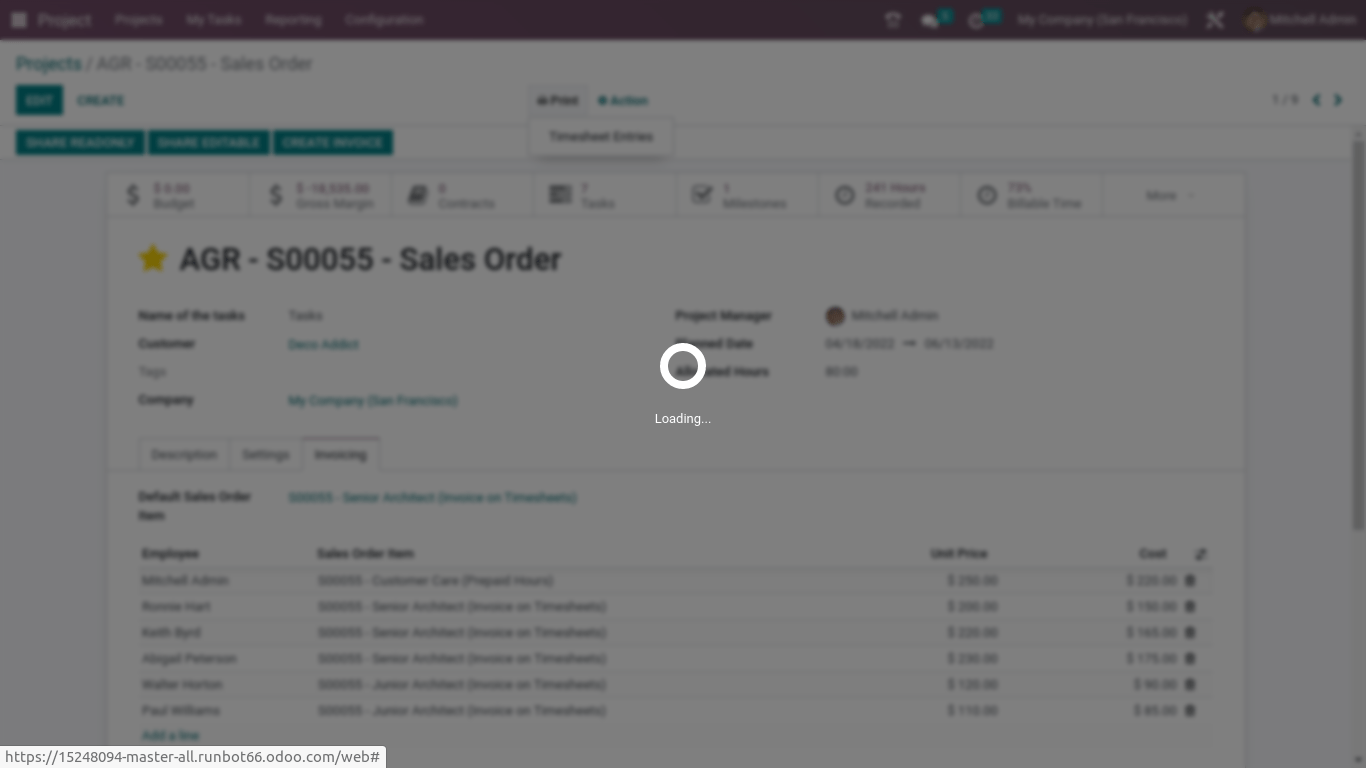
    The animation for the loading screen has been changed.

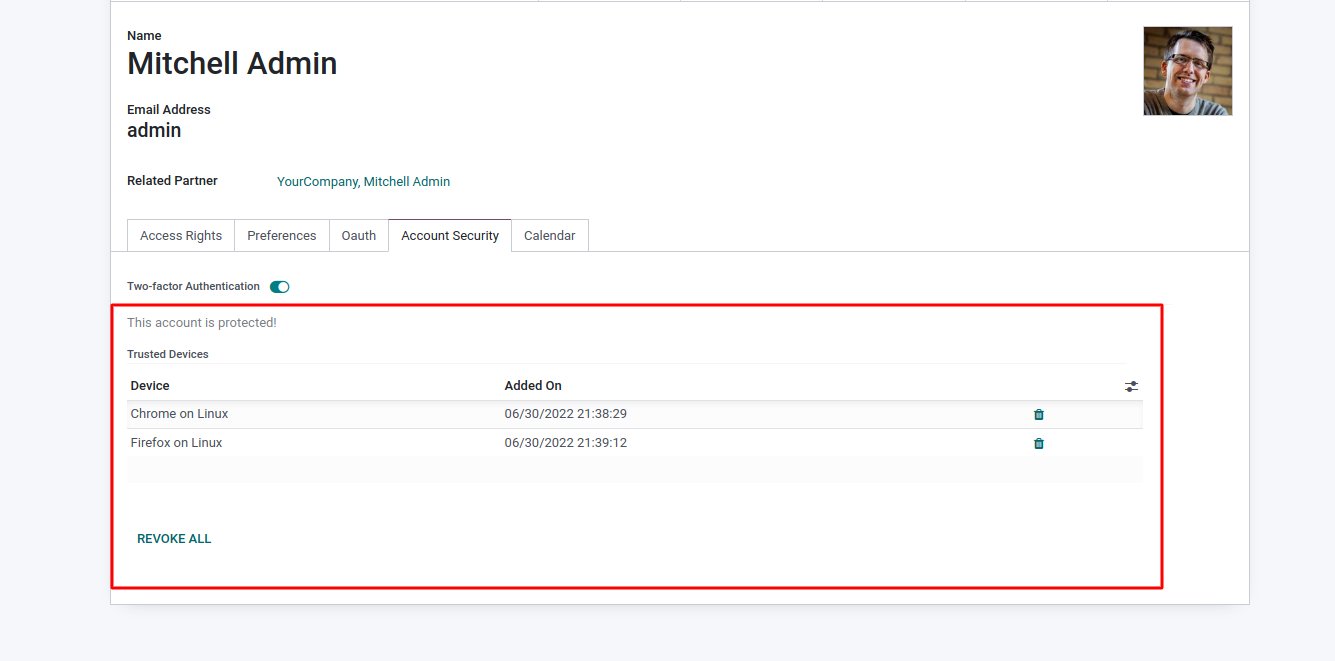
    You can view the list of trusted devices from user preferences by going to Users -> Settings and the Account Security tab, and this feature will be useful for revoking all devices.

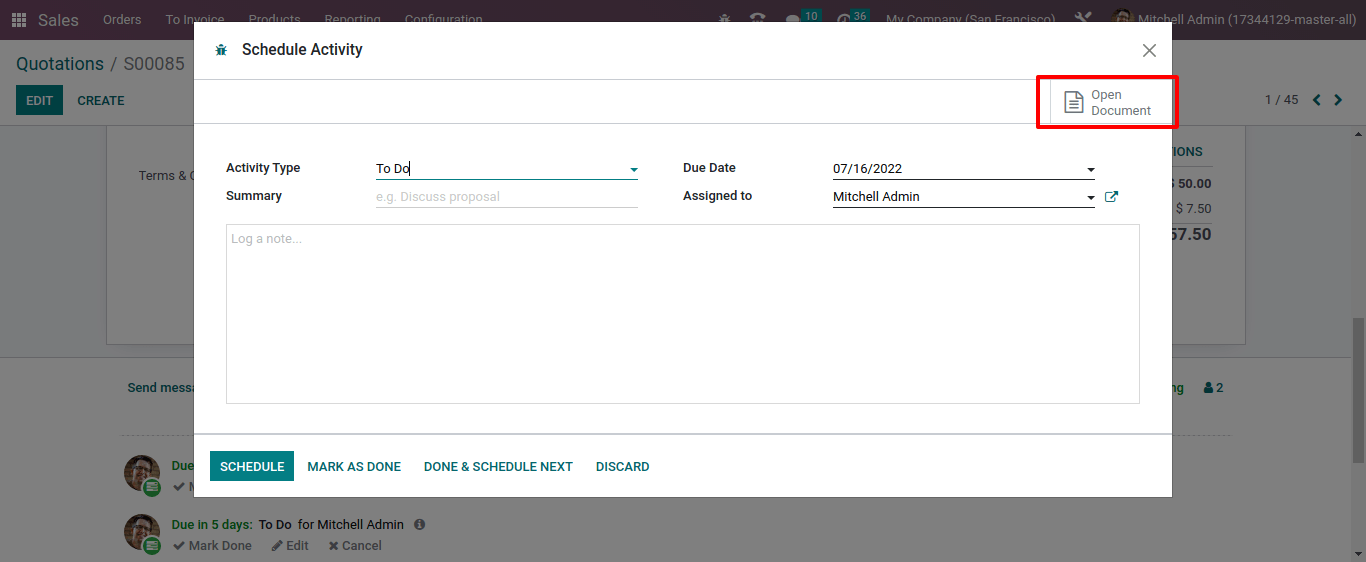
    Now in the activity view, users will be able to check the document for the respected activity.

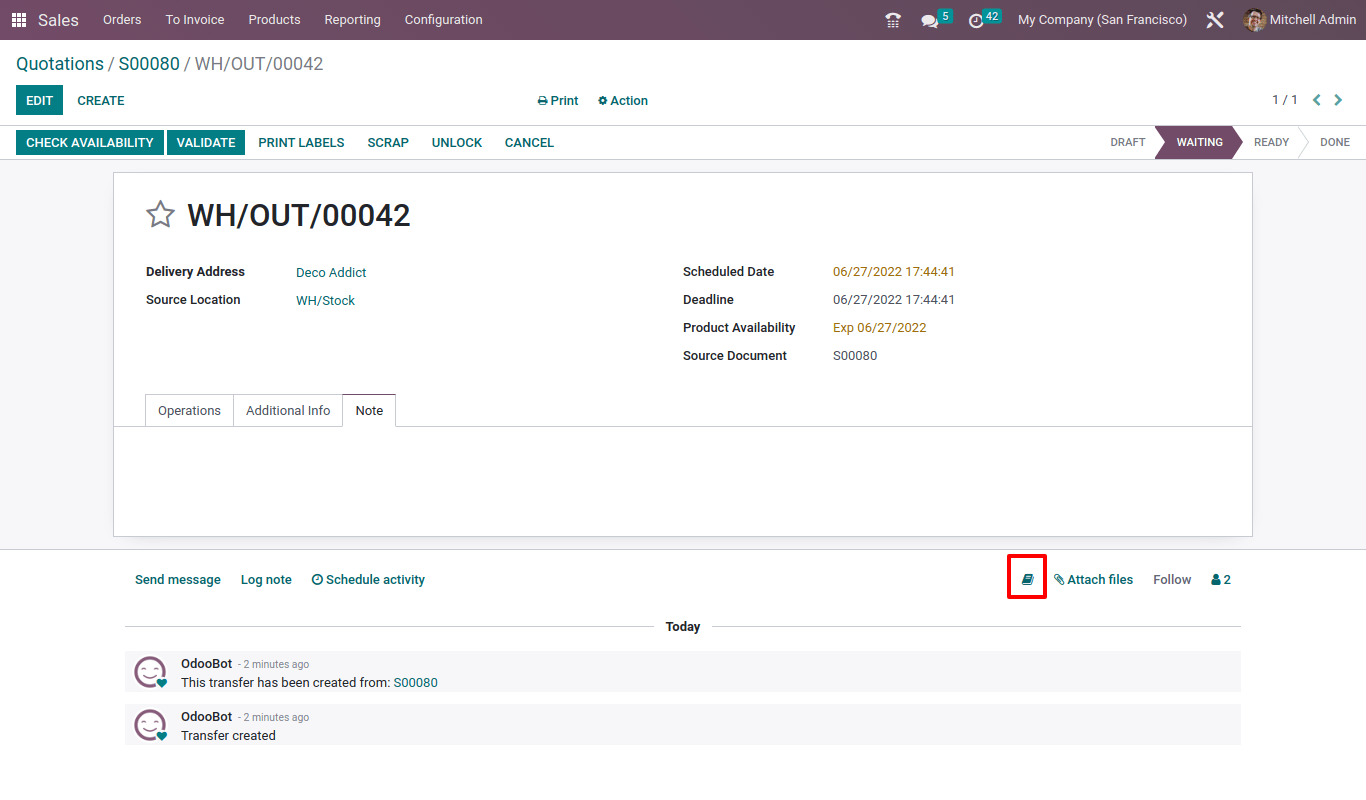
    A knowledge shortcut is provided in the footer section for all modules by Odoo 16.

    in Odoo

    Read Next
    Odoo 18 New Features
    Overview of the new features in Odoo 18: How it can improve your workflow

    Qader Solution Technology:

    A company within the Qader Brothers Group, where the group is considered one of the most important Yemeni leading companies with a high commercial reputation

    +967  779666637  +967  779666627

    • info@qaqersolution.com​​​​​
    تابعنا على منصات التواصل

    QADER SOLUTION TECHNOLOGY ITD

    Sana'a - Khawlan Street - Al-Sha'our Building

    Copyrights © 2026 Qader Solution Technology LTD
    الْعَرَبيّة | English (US)
    Powered by Odoo - The #1 Open Source eCommerce